Manage
There are some operations you can do in a user:
- Enable / Disable / Update
- Remove from athe Organization
Enable / Disable / Update
We can have Inactive Users in the Organization for many reasons: it is on a leave, not working on the project yet, just sporadic collaborations... So we can enable/disable the users at every moment:
- Click Users in the left menu
- Click the Edit button in the row of the user you want to edit
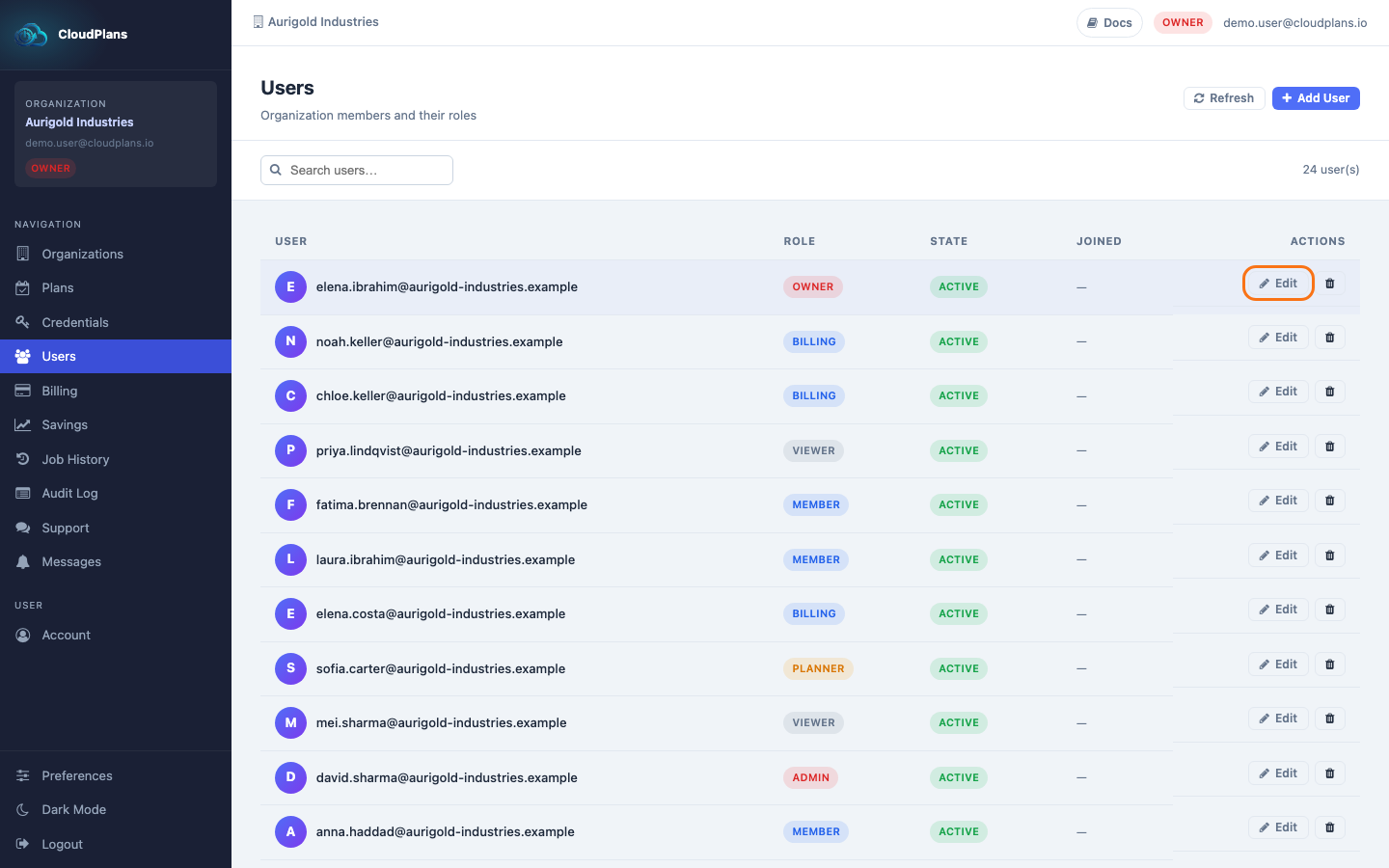
- In the dialog, change the Role and/or the State (active / inactive)
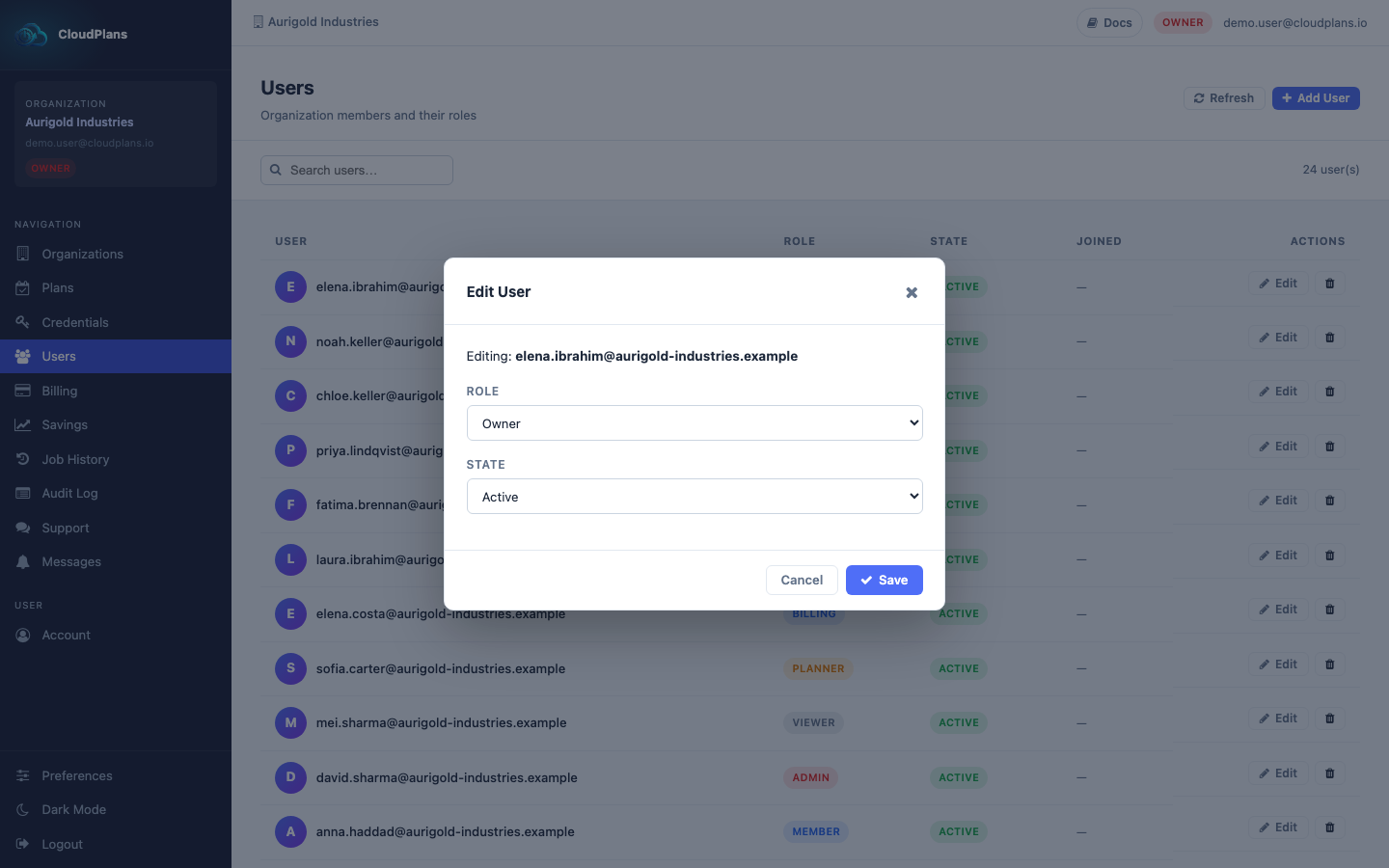
- Click Save
Remove from the Organization
In the Users page, every user in the table has its action buttons: edit and remove. To remove a user from the Organization click the red trash icon.
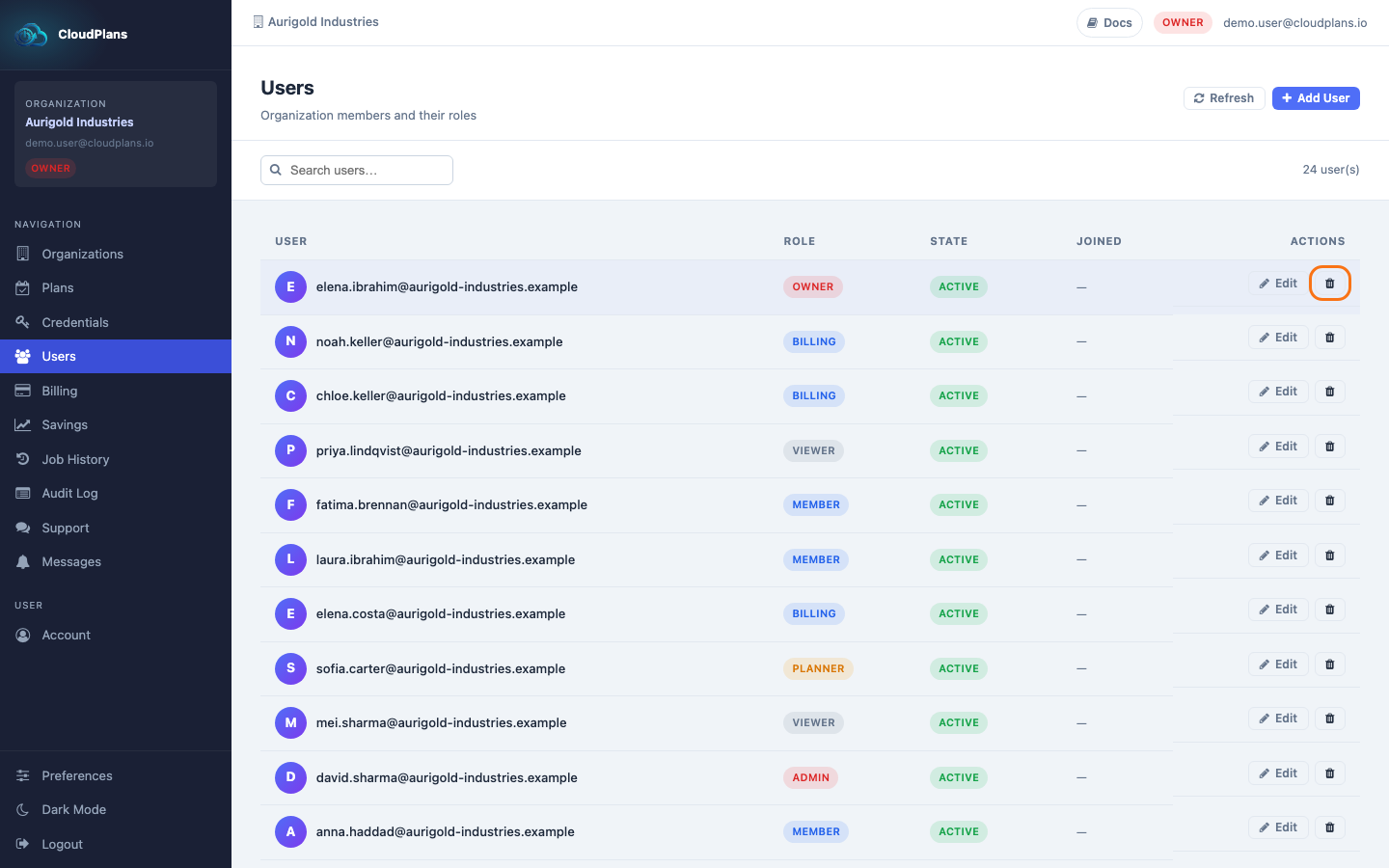
Your browser asks you to confirm (Remove user from this organization?). Accept it and the user is removed.