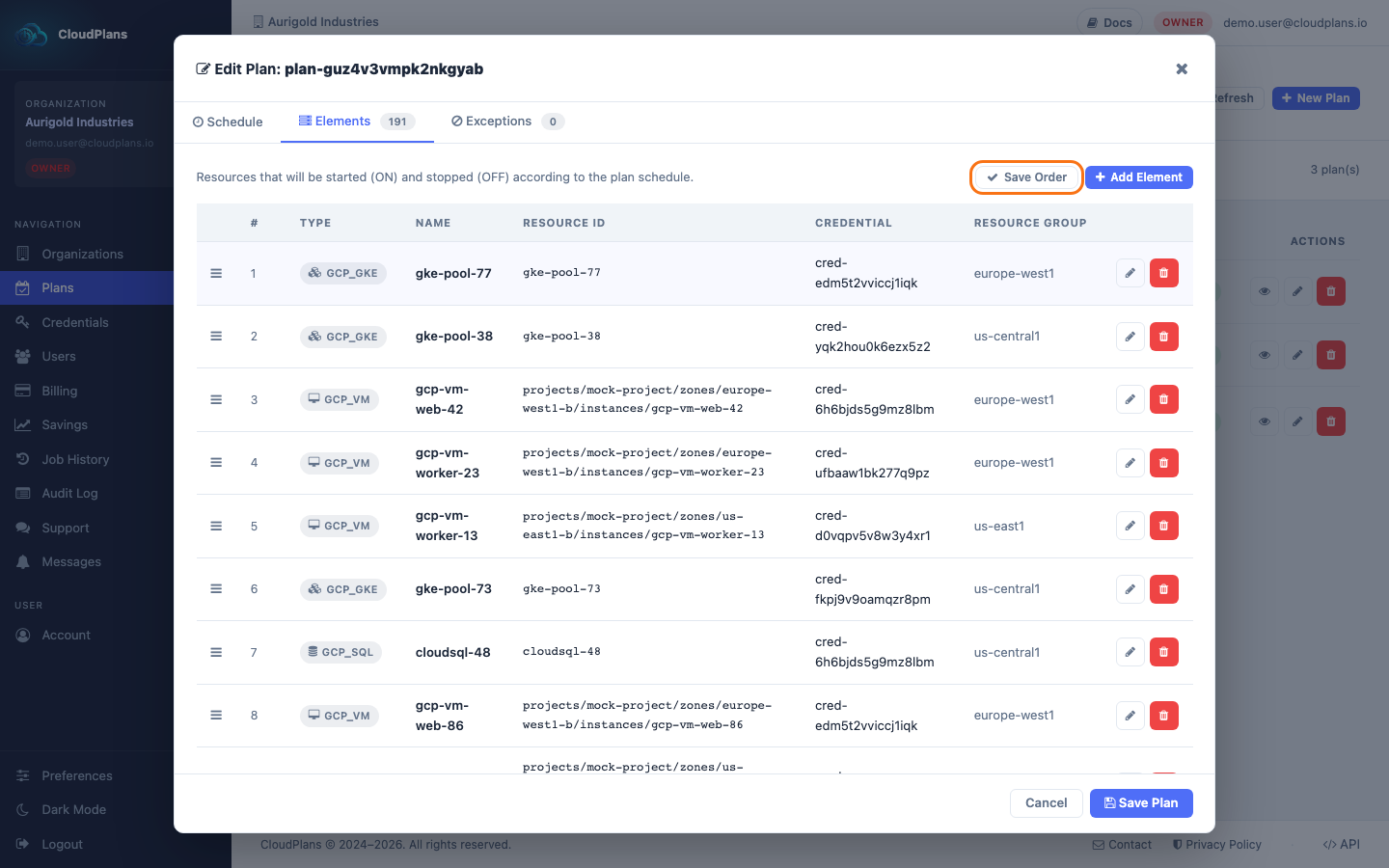
Reorder Resources
The order of the elements of a Plan can be changed at any time. It matters when the Plan runs with resource dependency control: usually front are first to be stopped, then back and finally database, but this can be too dynamic, and that's why Cloud Plans implements a mechanism for changing the resources order in a plan.
With dependency control enabled, Resources Dependancy will act in the stablished order for poweroff and reverse for powering on.
Having the following example Resources list:
- exapleAWSinstance001
- exapleAWSinstance002
- exapleAWSinstance003
The STOP operation will be:
- exapleAWSinstance001
- exapleAWSinstance002
- exapleAWSinstance003
The START will be:
- exapleAWSinstance003
- exapleAWSinstance002
- exapleAWSinstance001
The dependency control is a setting of the Plan that the current console does not show (new Plans are created without it). If you need your resources to be processed in sequence, ask for it through Support.
If Resources Dependancy is enabled, if a resource fails stopping or starting, the rest of the resources will be ignored.
To change the order of the elements:
- Open the Plan in edit mode and go to the Elements tab
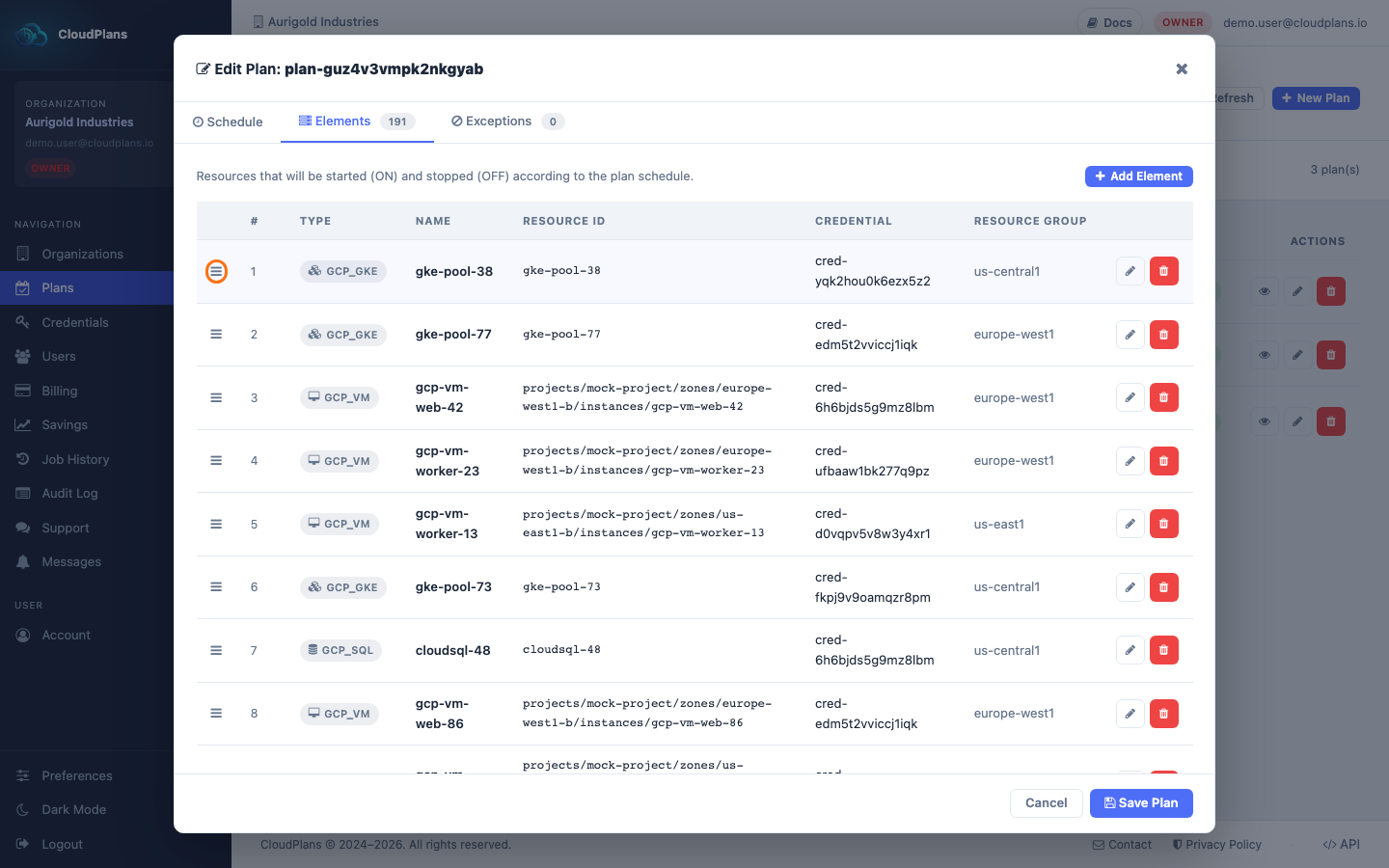
- Drag an element by its handle (the ☰ icon at the left of the row) and drop it in its new position
- A Save Order button appears at the top of the list. Click it to save the new order