Configure
There are not many posibilities of configuration for the Organization object: Name. Exactly, the name is the only attribute you can update from the Console/API. To change the Organization Name:
- Go to Organizations
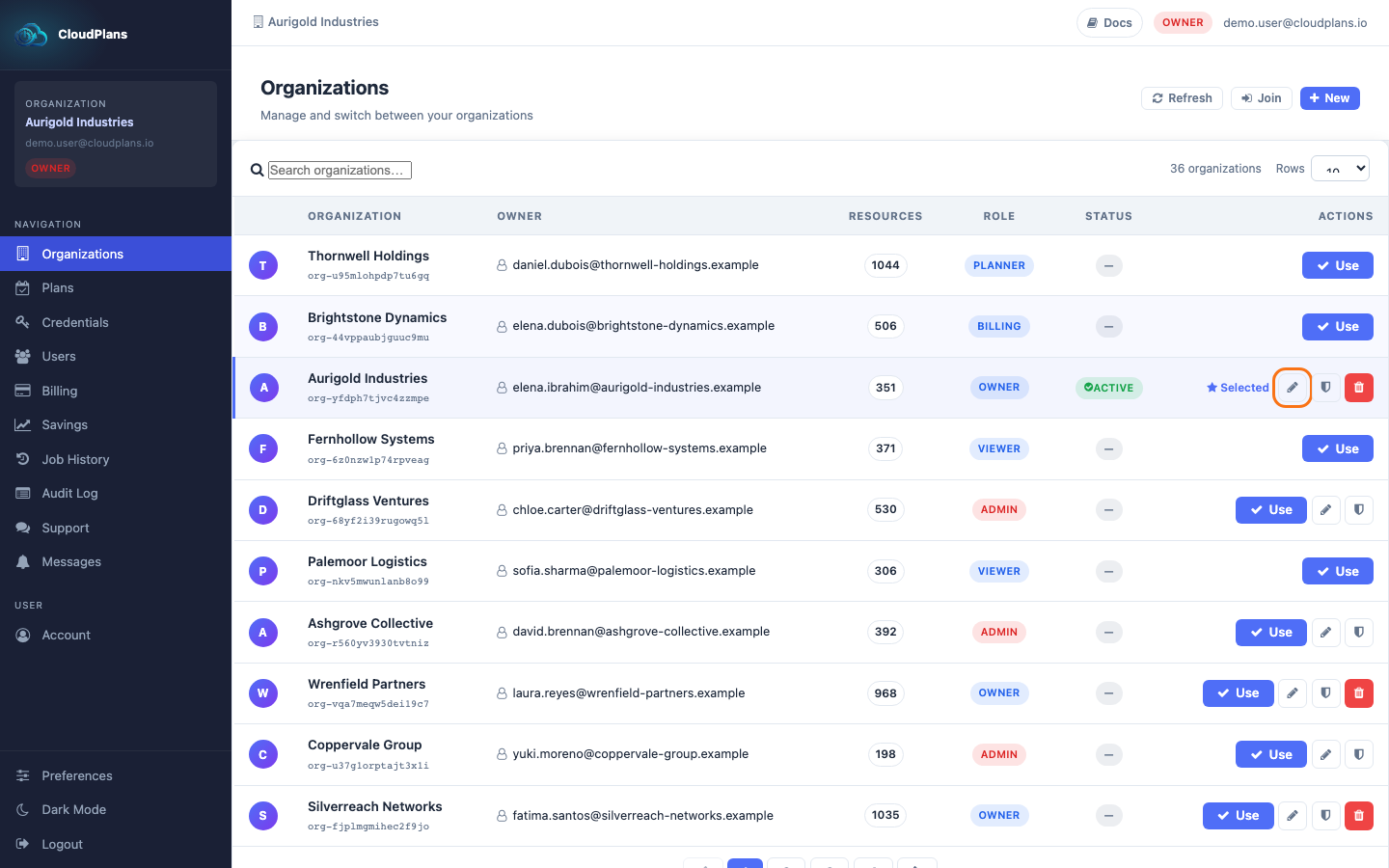
- Click the pencil (Rename) icon in the row of your Organization. It is only shown to the owner and the admins
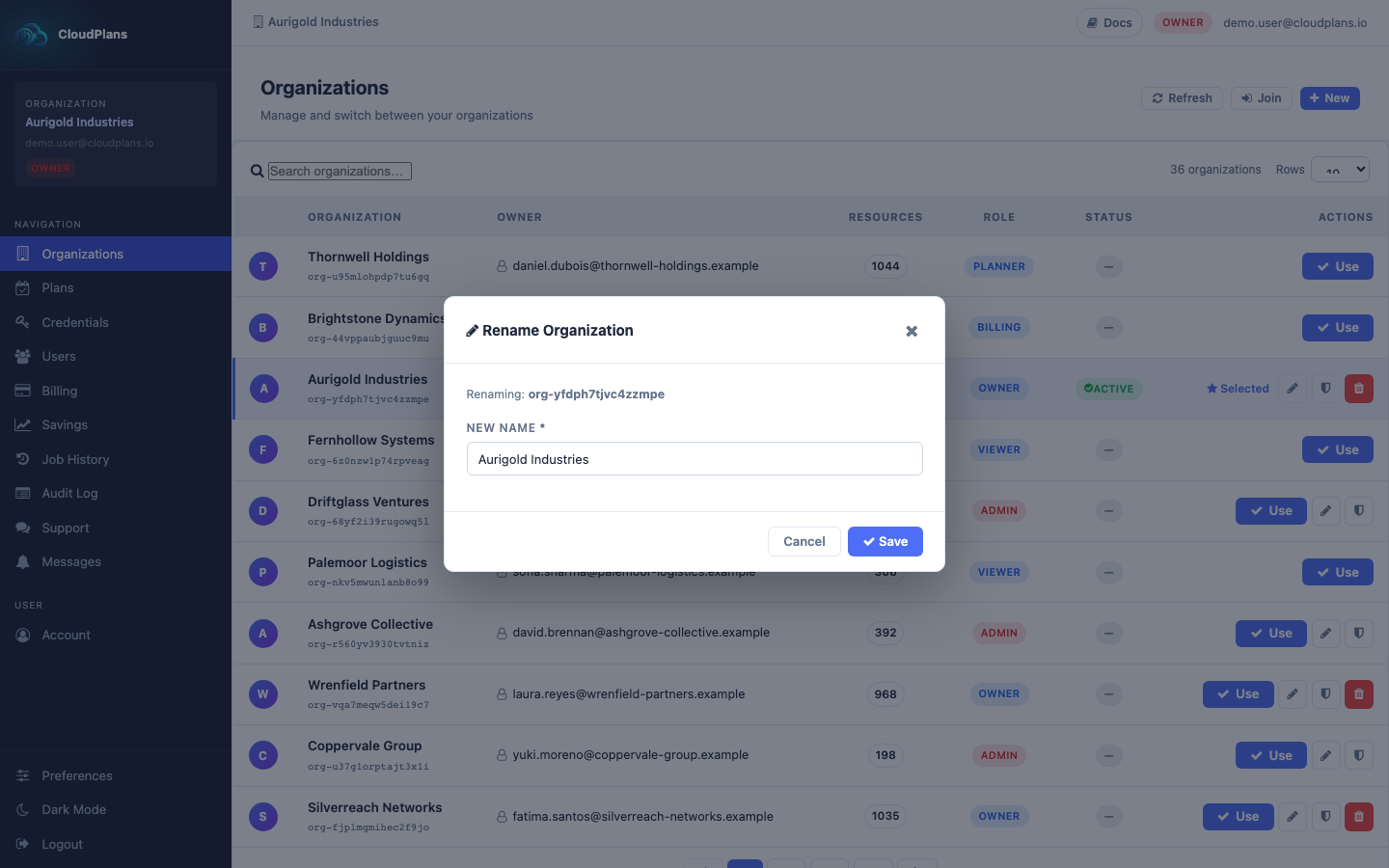
- Enter the New Name and click Save