Create
This is the first thing to do when working with Cloud Plans: Create an Organization.
It is a straight forward process consisting on the following steps:
- Log in to the console
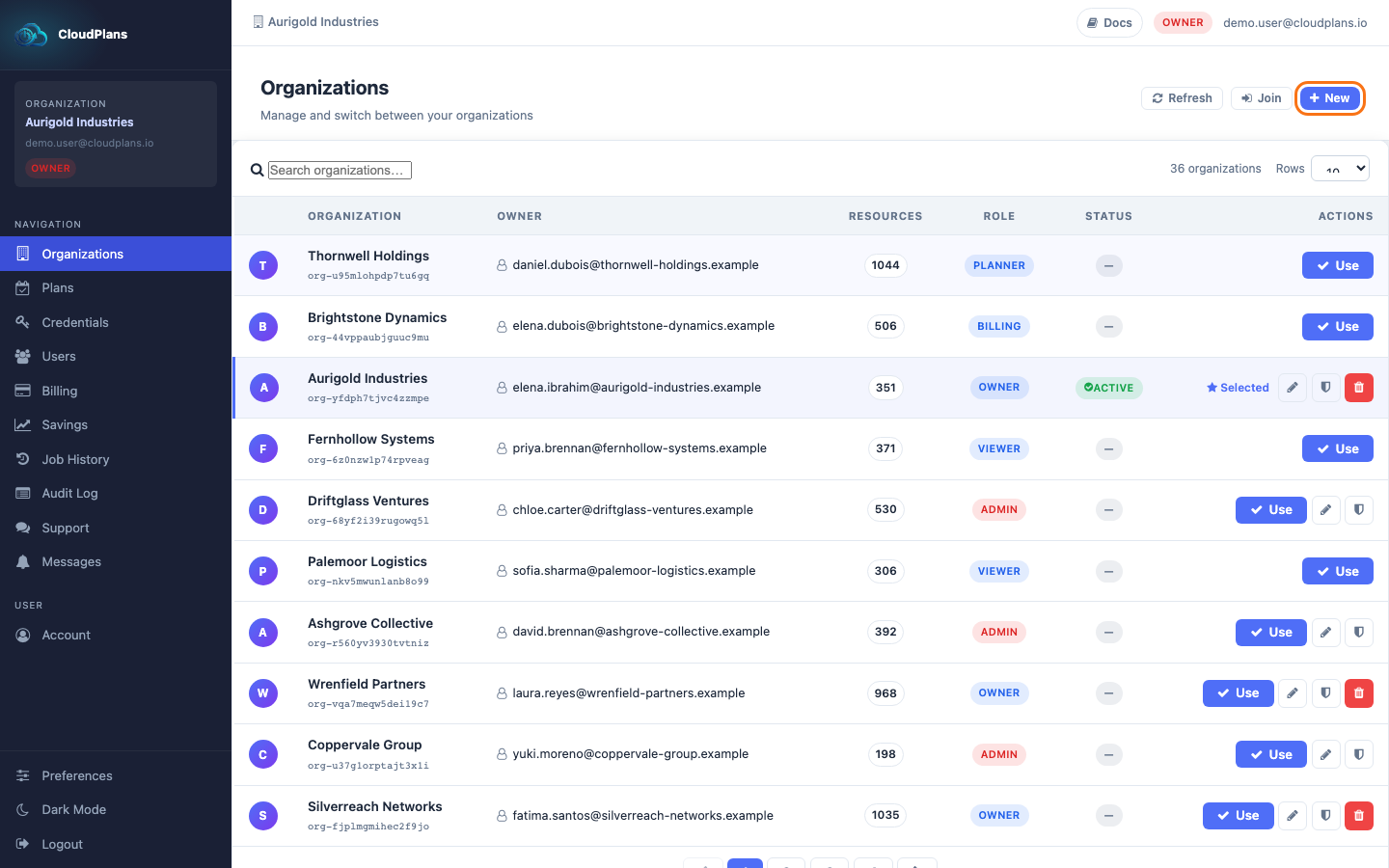
- In the left menu, click on Organizations
- Click the New button placed in the top-right corner of the page
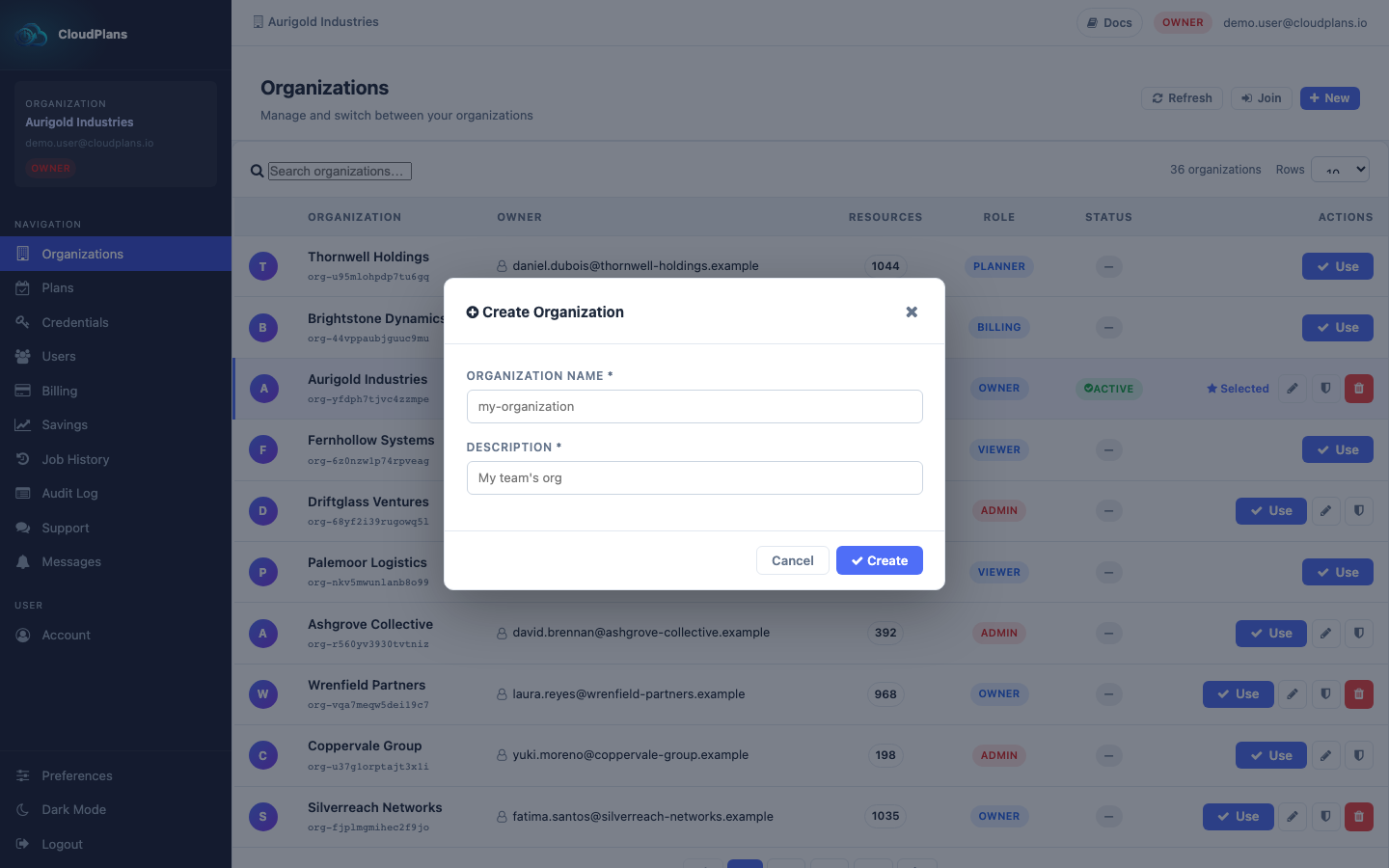
- In the Create Organization form, enter the Organization Name and a Description (both are required) and click Create. The new Organization will appear in the table, and you will be its owner: