Select
It is neccesary to be part of a Organization before. Go to Add User to learn how.
To connect to a Organization is simple:
- Go to the Organizations page using the vertical left menu
- Click the Use button (tooltip: Use this organization) in the row of the Organization you want to work with
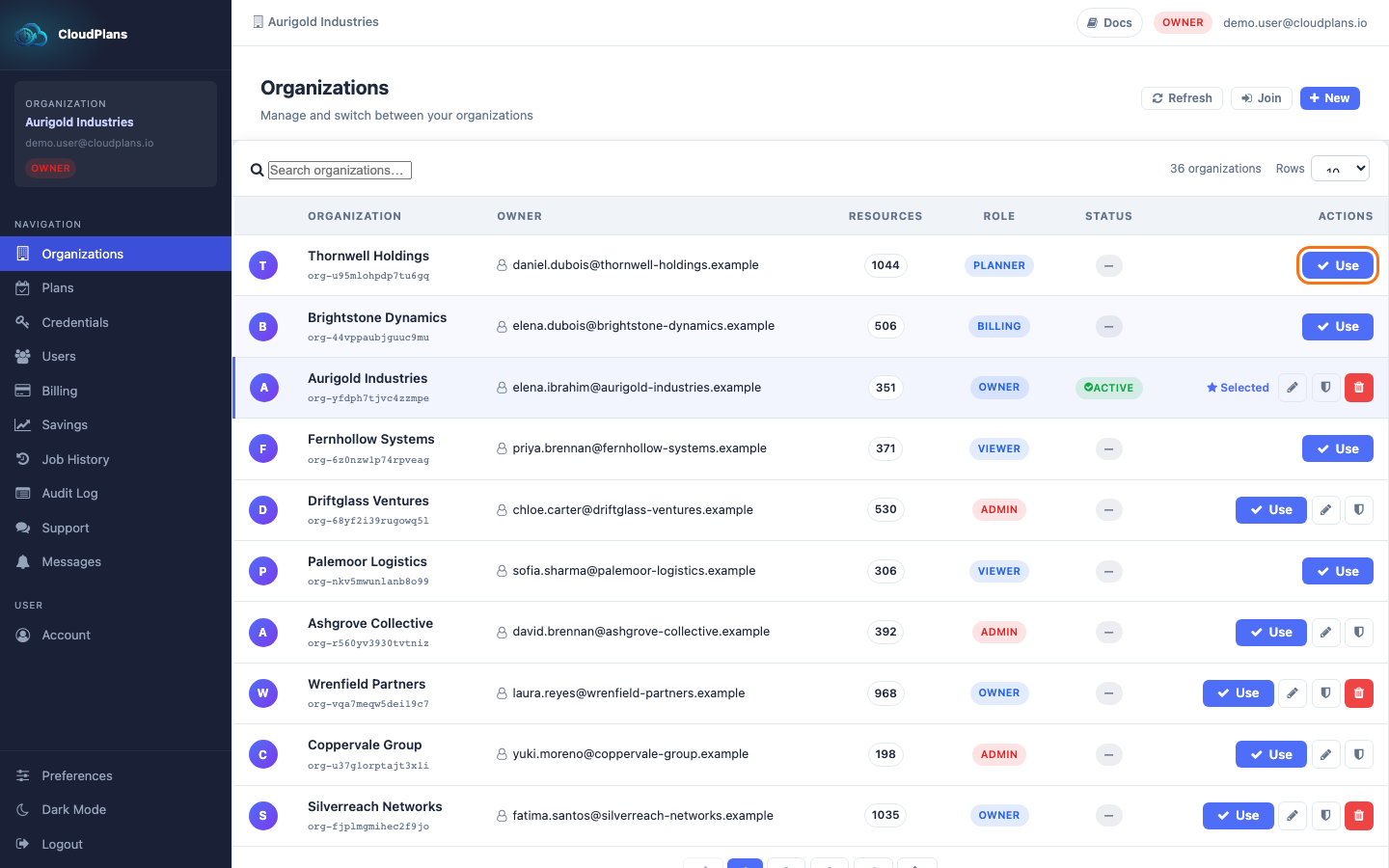
- After connection you will see the Organization Name in the left menu and in the top bar, and the row is marked as the current one.
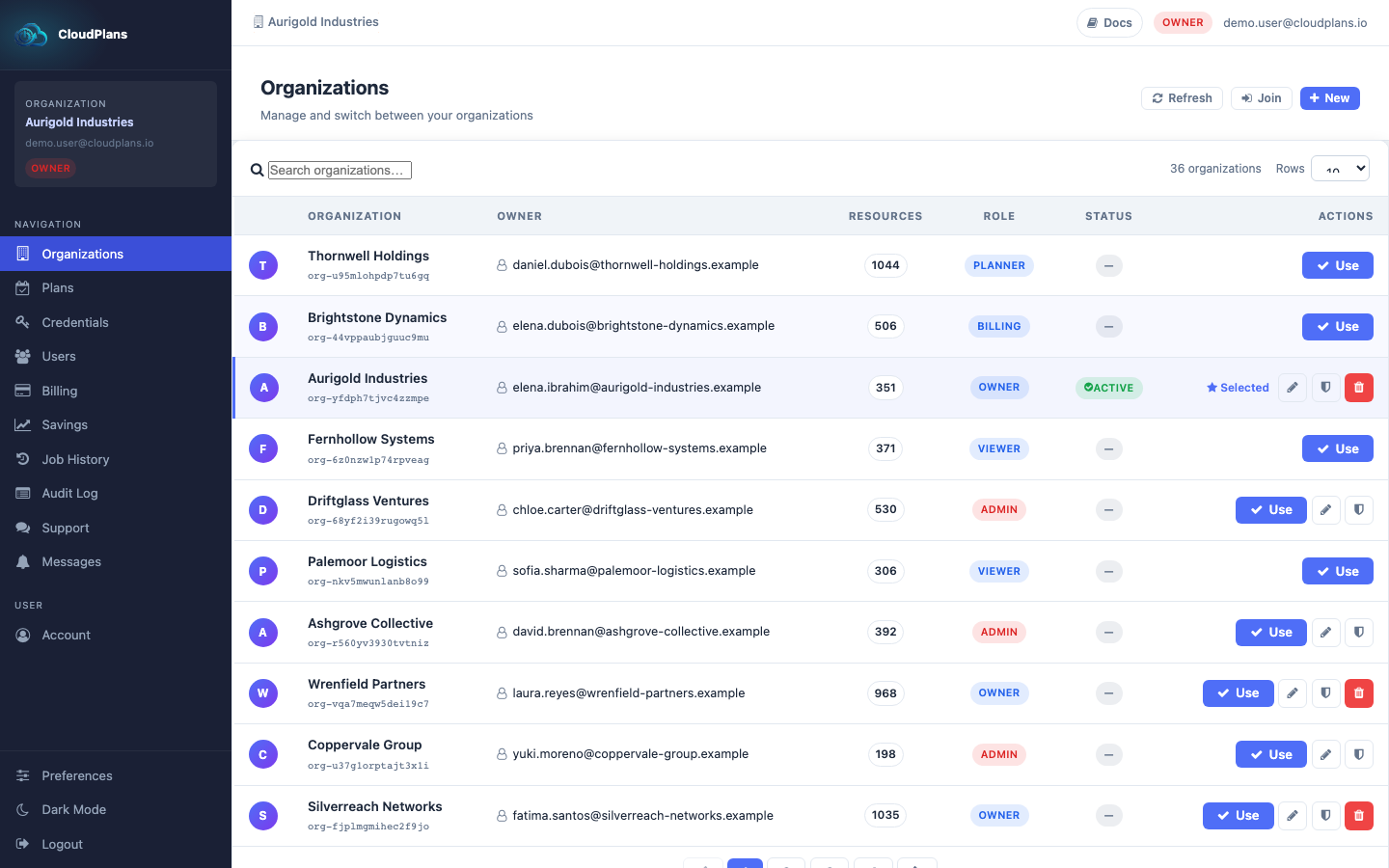
In the same top bar, on the right side, you have your role in the Organization (OWNER, ADMIN, OPERATOR...) and your user email.