Create
Creating a Plan is simple, but delicate as when a plan with resources is created, if it is in the "Active" state it will start working on the next hour so it is recommended to be concerned with that.
- Log in, select the Organization and click Plans in the left menu
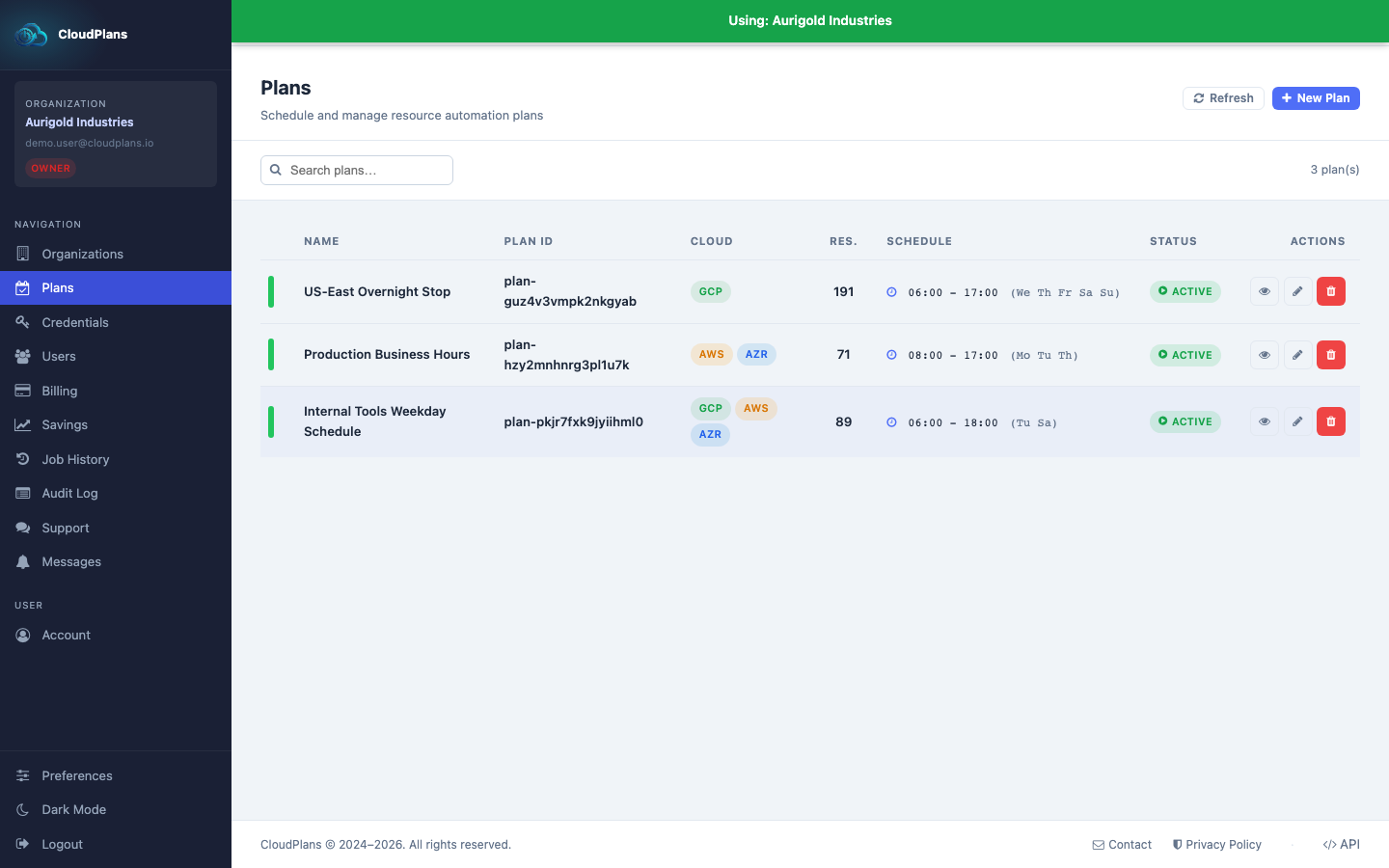
- There you will find the list of the current plans
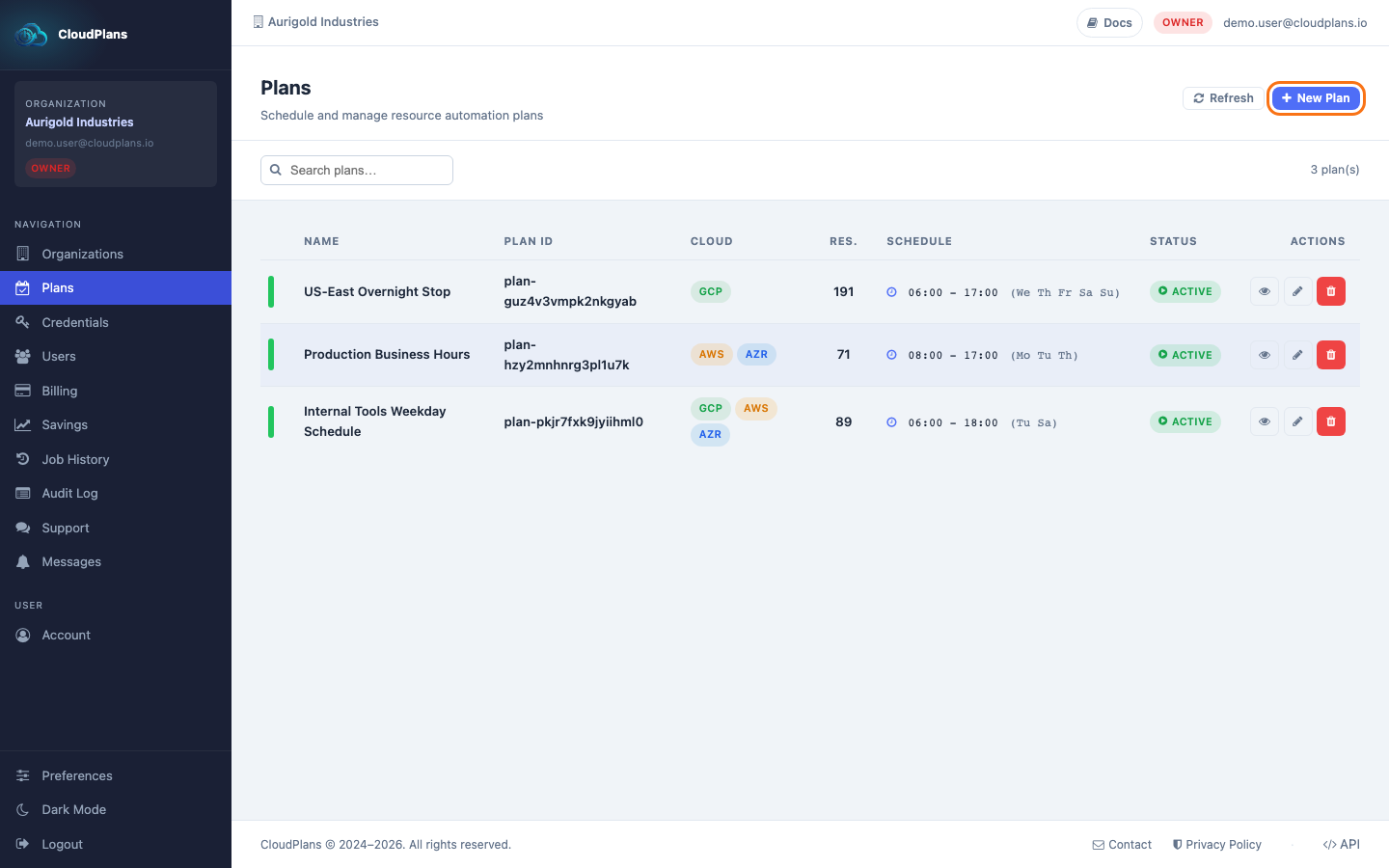
- To create a NEW Plan click the New Plan button at the top right of the page.
- Fill in the form (required fields are marked with ): Plan Name, Description, Timezone, State, Start Time, Duration and the Active Days, then click Create Plan*.
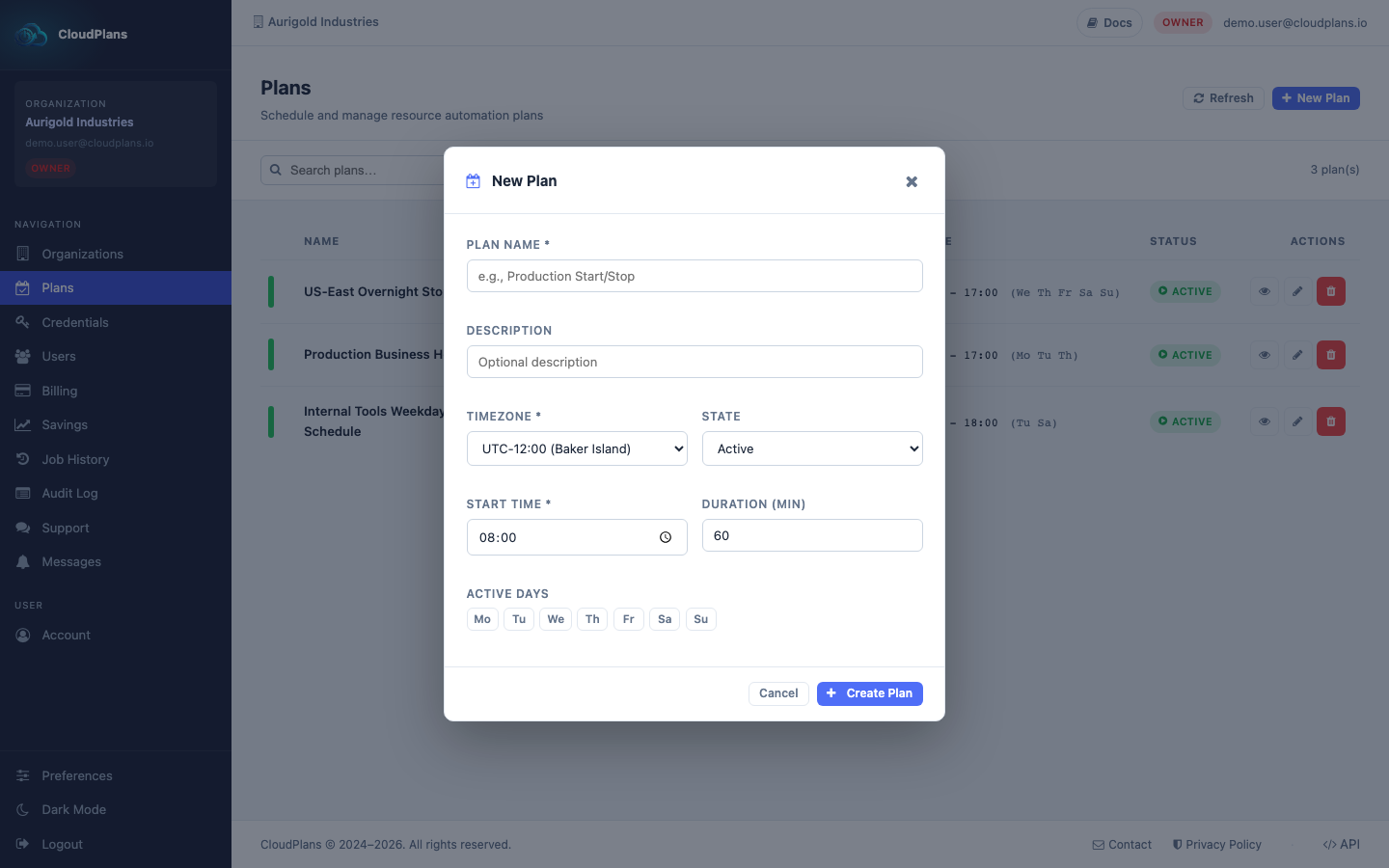
The Duration is the number of hours the schedule stays ON after the Start Time, as in the plan editor. The New Plan form still labels the field Duration (min): enter hours (for example 10), not minutes.
After creating the Plan, add elements to it: servers to start/stop, or services to scale.