Credentials
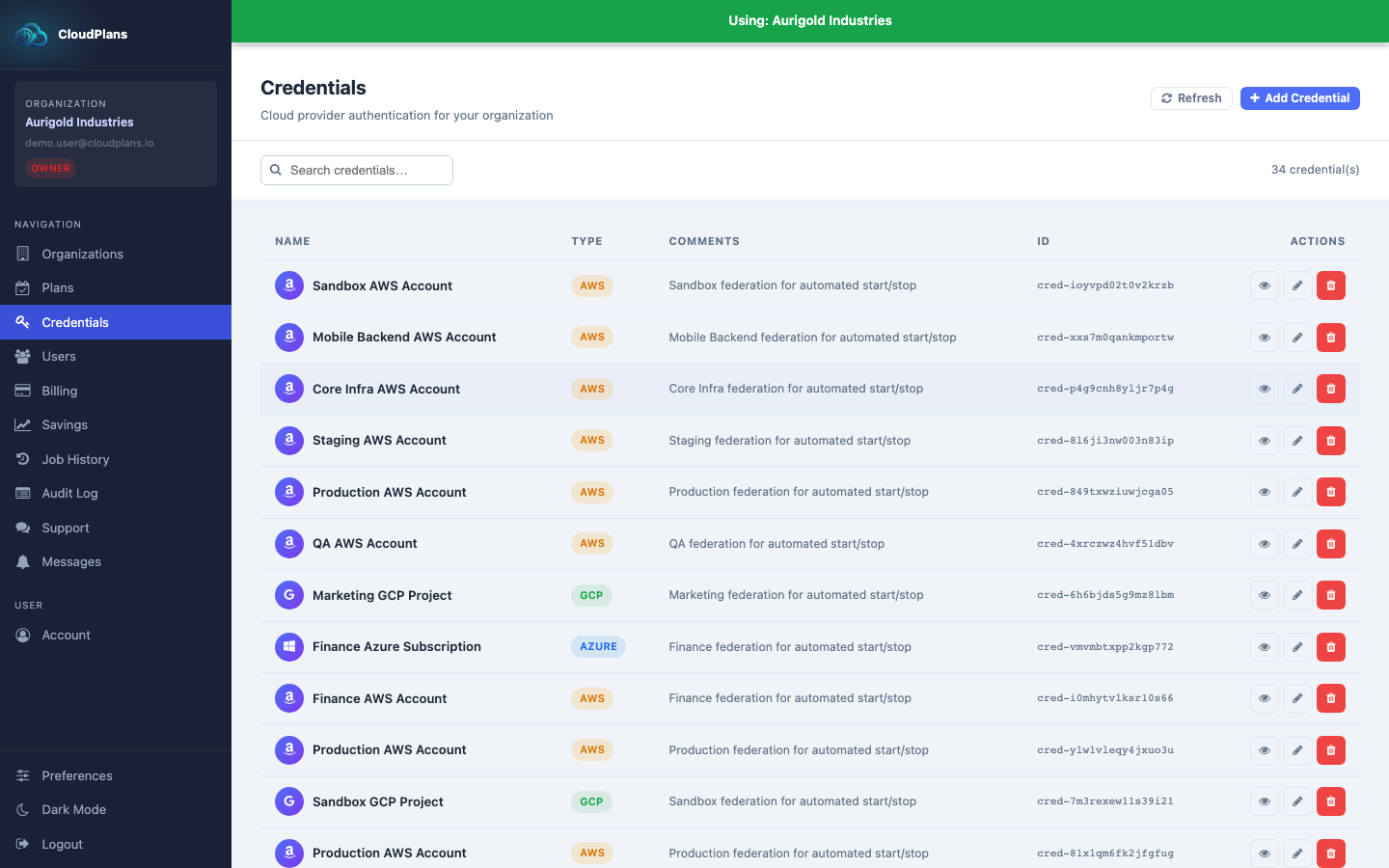
The credential resource is the way Cloud Plans connects to your clouds. It never stores long-lived keys of your cloud, except the secret of the Azure service principal:
- To AWS accounts CP connects assuming an IAM role that you create in your AWS account
- To Azure subscriptions CP connects using a service principal
- To Google Cloud projects CP connects using Workload Identity Federation and a service account of your project (you only give the project ID)
The permissions you grant depend on the services you manage with your Plans. Grant only those of the services you use: the console generates the exact script for you (see Automations), and each guide lists the permissions of every service.
AWS
We use remote roles to connect to Accounts and manage the desired resources (best Security Practice). All you have to do is:
- Create a role that trusts
arn:aws:iam::605134468875:role/cloudplansbatch(AWS account605134468875) and requires the external IDcloudplans:
{
  "Version": "2012-10-17",
  "Statement": [{
    "Effect": "Allow",
    "Principal": { "AWS": "arn:aws:iam::605134468875:role/cloudplansbatch" },
    "Action": "sts:AssumeRole",
    "Condition": { "StringEquals": { "sts:ExternalId": "cloudplans" } }
  }]
}
- Attach a policy with the actions of the services you use. For example, to start and stop EC2 instances:
{
  "Version": "2012-10-17",
  "Statement": [{
    "Effect": "Allow",
    "Action": [
      "ec2:DescribeInstances",
      "ec2:DescribeRegions",
      "ec2:StartInstances",
      "ec2:StopInstances"
    ],
    "Resource": "*"
  }]
}
The actions for every service (RDS, EKS, ECS, Auto Scaling, MQ, DynamoDB...) are in AWS automations. ec2:DescribeInstances and ec2:DescribeRegions are always needed, because they validate the credential and let Find Resources list your regions.
This can be enhanced in Security with the following recommendation, so CloudPlans can only act on the instances you tag:
- Tag your desired instances with something like
cloudplans = True - Keep the read actions open and add the tag condition to the actions that change the instances:
{
  "Version": "2012-10-17",
  "Statement": [
    {
      "Effect": "Allow",
      "Action": ["ec2:DescribeInstances", "ec2:DescribeRegions"],
      "Resource": "*"
    },
    {
      "Effect": "Allow",
      "Action": ["ec2:StartInstances", "ec2:StopInstances"],
      "Resource": "*",
      "Condition": { "StringEquals": { "aws:ResourceTag/cloudplans": "True" } }
    }
  ]
}
Azure
Cloud Plans needs a service principal with its access key (Tenant ID, Subscription ID, Resource Group, Client ID and Client Secret). It is recommended to have one SP per subscription, with a custom role that only contains the actions of the services you manage, for example for virtual machines (start/stop):
{
  "Name": "CloudPlansSchedulerRole",
  "IsCustom": true,
  "Description": "CloudPlans least-privilege role",
  "Actions": [
    "Microsoft.Compute/virtualMachines/read",
    "Microsoft.Compute/virtualMachines/instanceView/read",
    "Microsoft.Compute/virtualMachines/start/action",
    "Microsoft.Compute/virtualMachines/deallocate/action"
  ],
  "NotActions": [],
  "AssignableScopes": ["/subscriptions/<subscription-id>/resourceGroups/<resource-group>"]
}
The actions for every service (AKS, scale sets, App Service plans, Synapse, flexible servers, Cosmos DB...) are in Azure automations.
GCP
In Google Cloud the connection is made with Workload Identity Federation: your project trusts the CloudPlans identity, which impersonates a service account of your project. You only have to create that service account and grant it the predefined roles of the services you manage, for example roles/compute.instanceAdmin.v1 for Compute Engine VMs.
The roles for every service (GKE, Cloud SQL, Memorystore, Dataproc, Vertex AI) and the complete script are in GCP automations.