Add
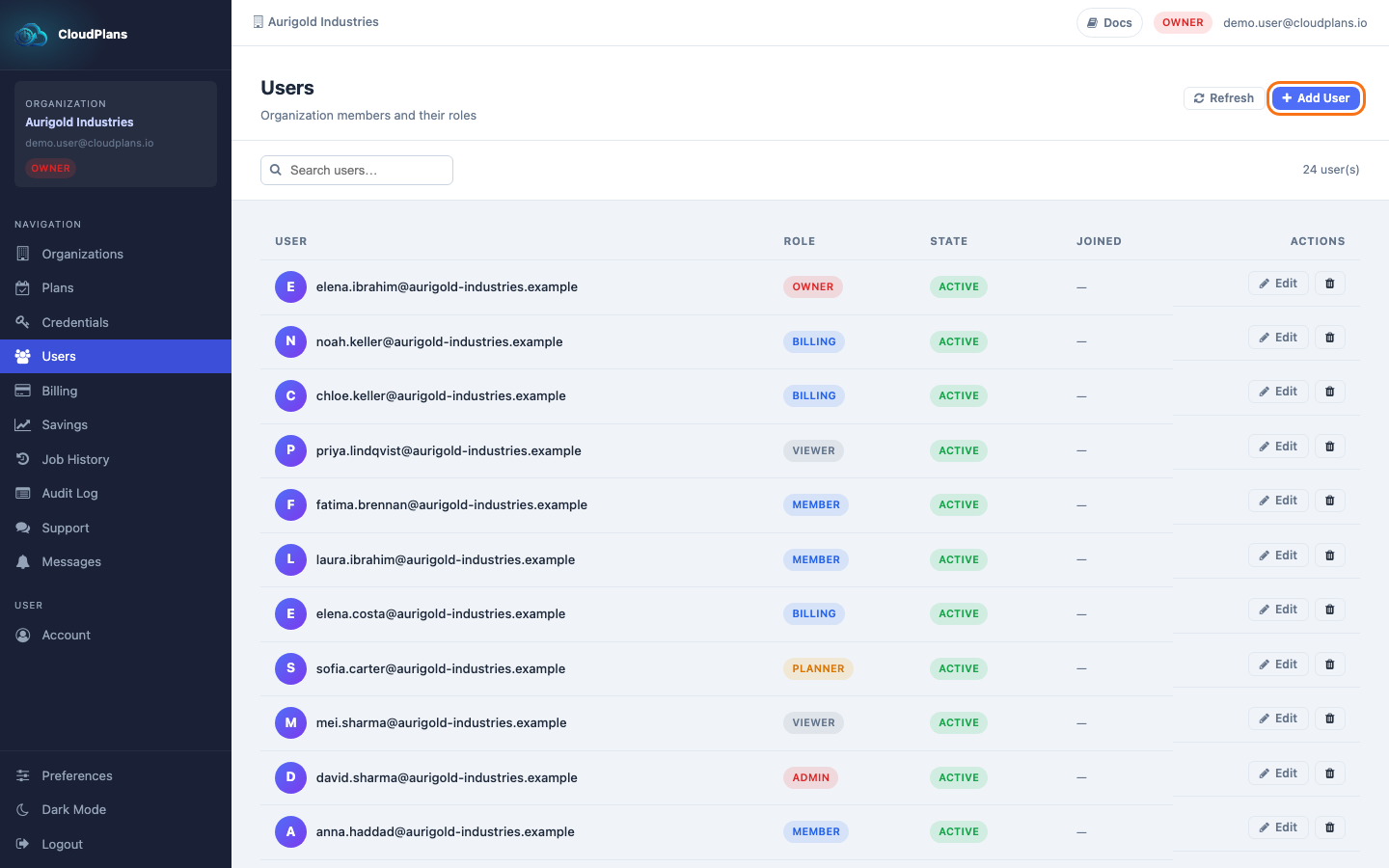
Once with the Organization selected, it is possible to add users directly with the desired role:
The Role and the State can be edited later from the Users page. It is critical to set the best fit to the Organization needs, so review the reference table.
- Click Users in the left menu
- Click the Add User button at the top right
- In the form enter the user's Email and select the Role (Viewer, Planner or Admin)
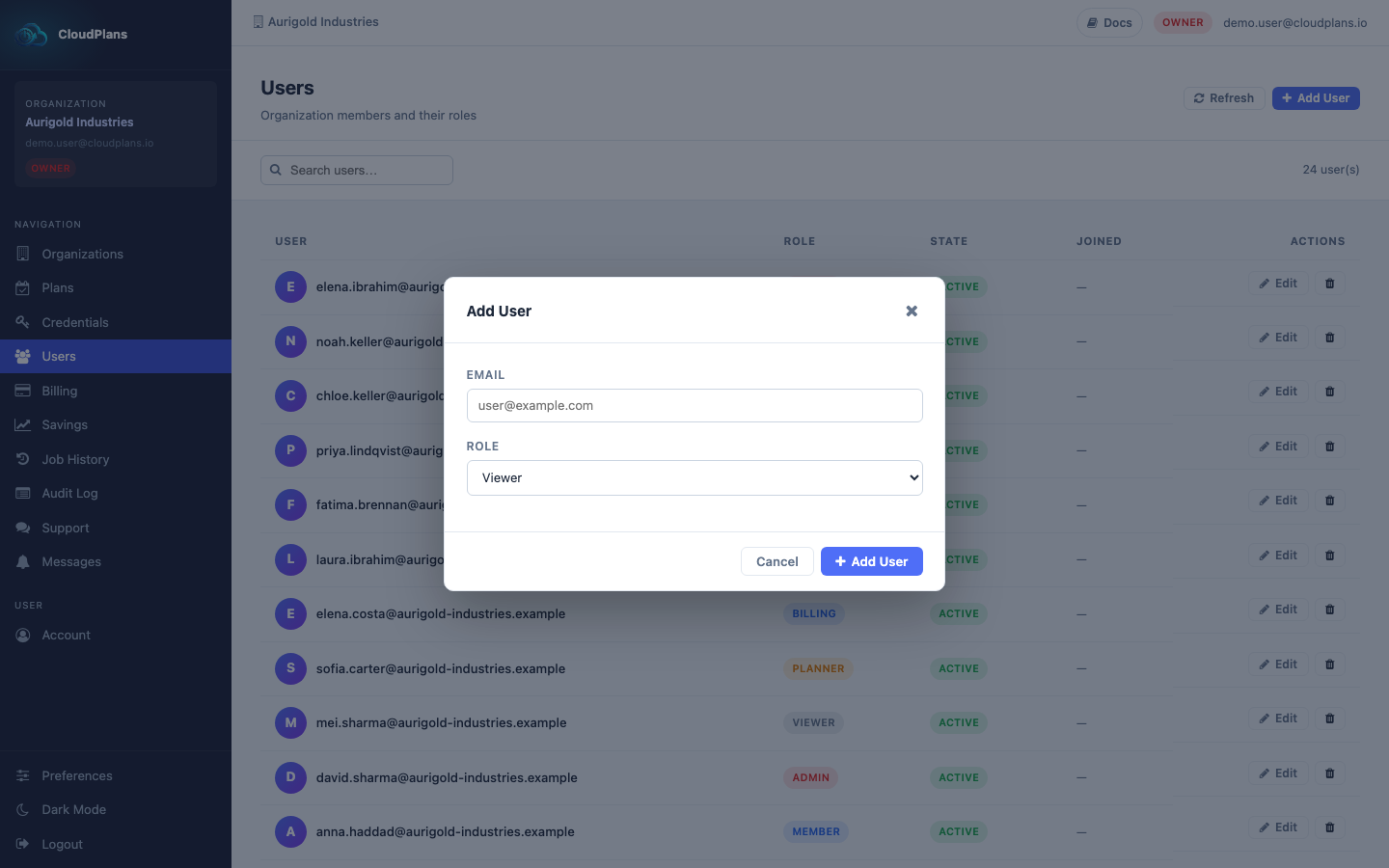
- Click Add. The user is included in the Organization with the inactive state, so it will not be able to connect until you set it to active (Manage users). We recommend you to review the full permissions before enabling the users.