Create
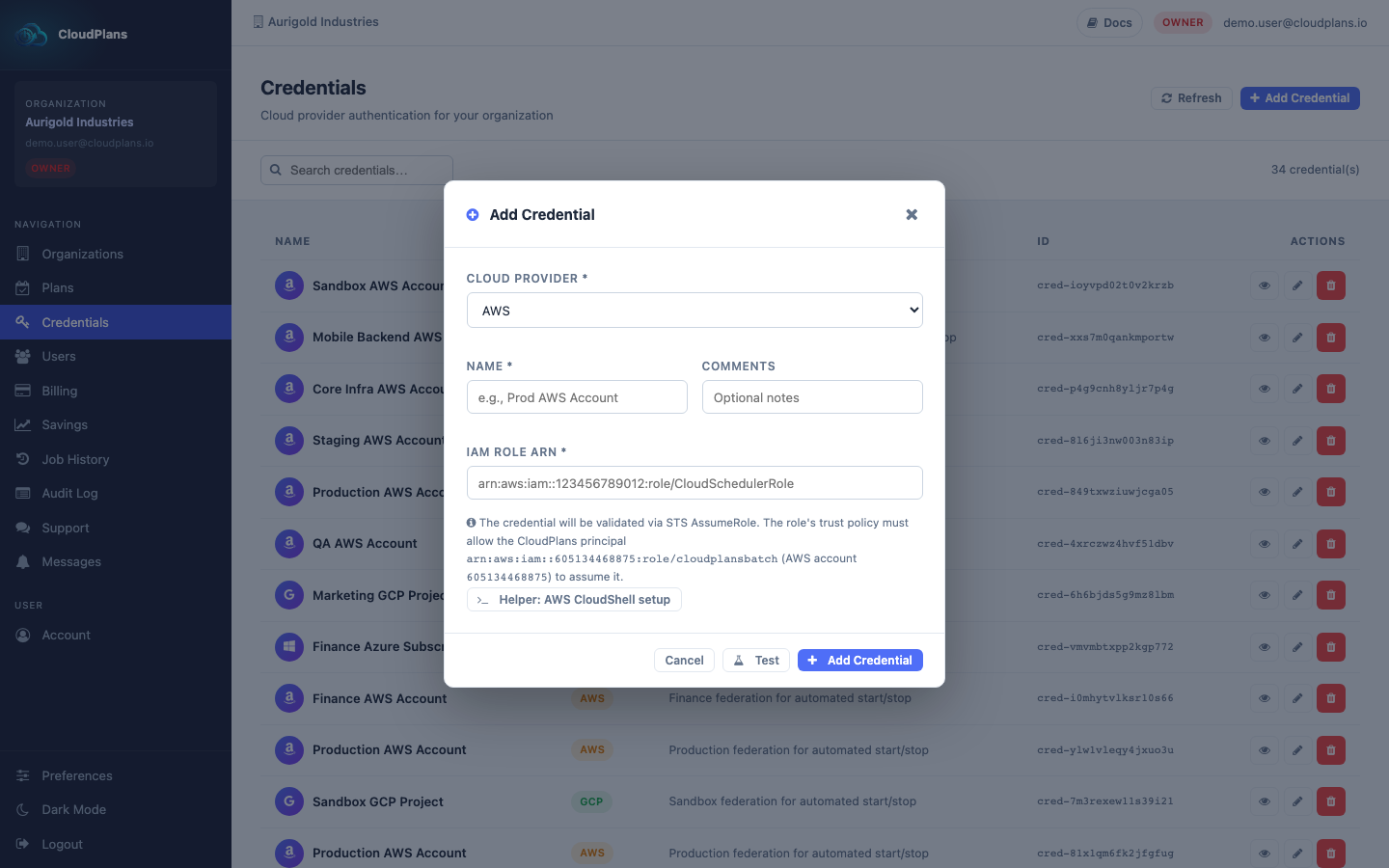
The Credential object is diferent depending on the Cloud Provider (AWS, Azure or GCP). Each one has it's own parameters (required fields are marked with * in the form):
- AWS
- Name *
- IAM Role ARN *
- Comments
- Azure
- Name *
- Tenant ID *
- Subscription ID *
- Resource Group *
- Client ID *
- Client Secret / Key *
- Comments
- GCP
- Name *
- GCP Project ID *
- Comments
Every Credential needs an action from you before creating it, in your own cloud account. The console helps you with a ready-to-run script for each provider: it contains only the permissions of the services you tick.
| Provider | What you create | Helper in the form | Permissions per service |
|---|---|---|---|
| AWS | An IAM role that trusts arn:aws:iam::605134468875:role/cloudplansbatch with the external ID cloudplans, plus its permissions policy |
Helper: AWS CloudShell setup (prints the role ARN) | AWS automations |
| Azure | A service principal with a custom role scoped to a resource group | Helper: Azure Cloud Shell setup (prints Tenant ID, Subscription ID, Resource Group, Client ID and Secret) | Azure automations |
| GCP | A Workload Identity Federation pool and a service account with the roles of the services | Helper: Google Cloud Shell setup (prints the Project ID) | GCP automations |
The permissions depend on the services you add to your Plans, so create the credential with the permissions of every service you plan to manage with it. If a service lacks a permission, its start/stop/scale fails and the error appears in the Job History.
A cloud target (an AWS account, a GCP project or an Azure subscription) can only be linked to one Organization at a time. If it is already configured you will see a Cloud target already configured message.
Once the cloud side is ready:
- Select an Organization
- Go to \
in the nav menu - Click Add Credential at the top right
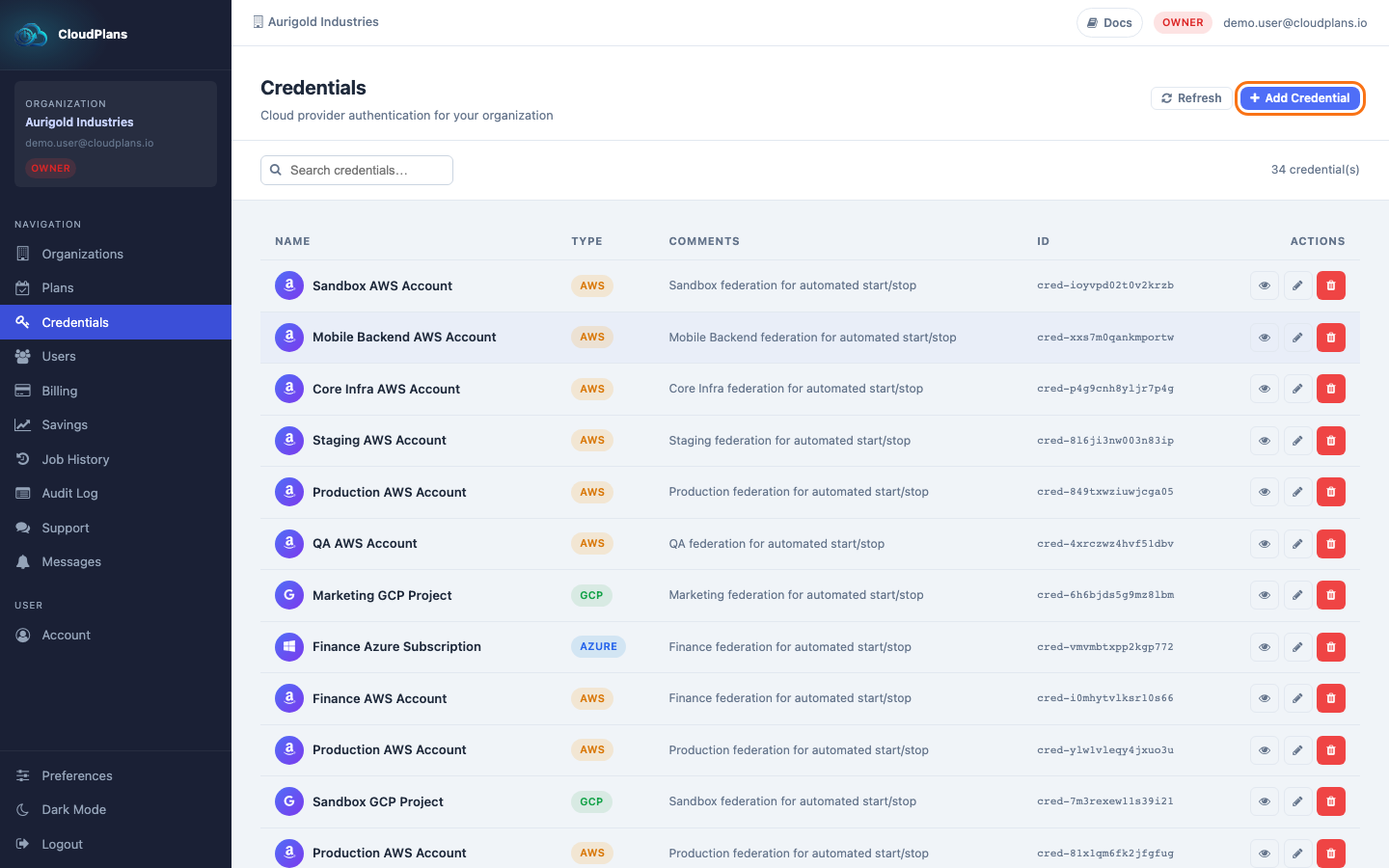
- Select the Cloud Provider and fill in the blanks with the required Data (Comments are optional, but desired, as we can have same roles in different accounts and this could be a real mess).